Pop Roller
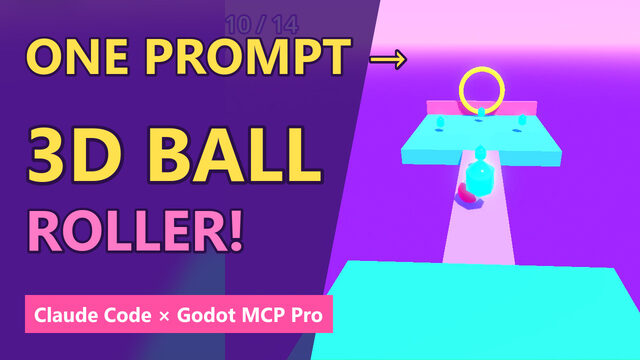
A 3D ball-rolling game with a six-part course, glowing gems, a follow camera, a timer and a win screen, built from one prompt in about three and a half minutes.
1 prompt~3.5 min of AI work
📘 Learn how it works: step-by-step tutorial with the real code →
Watch the full build
The prompt
Prompts were given to Claude Code in English, exactly as shown.
I want to make a 3D ball-rolling game where you roll a ball through a course and collect gems. Before thinking about originality, I'd like to build the core basics first. Please make it with pop, catchy graphics.
What Claude built
- A physics ball you roll and jump, with a smooth follow camera
- A six-part course built from primitive meshes
- 14 glowing gems, a timer HUD, a win screen and restart
Bugs Claude found and fixed by itself
Found by taking screenshots and simulating input in the running game — no human pointed them out.
- Washed-out colors — Claude retuned tonemapping, glow and saturation
- The camera lost the ball after a fall; it now snaps back
- The ball could roll off the end, so Claude added a wall behind the goal
- An engine warning from the gem pop animation
In 30 seconds

How it works
Godot MCP Pro connects Claude Code to the Godot editor through MCP. With 190 tools, the AI can create scenes and nodes, write and validate scripts, run the game, press keys, click, take screenshots and read the error log — the same loop a human developer uses.
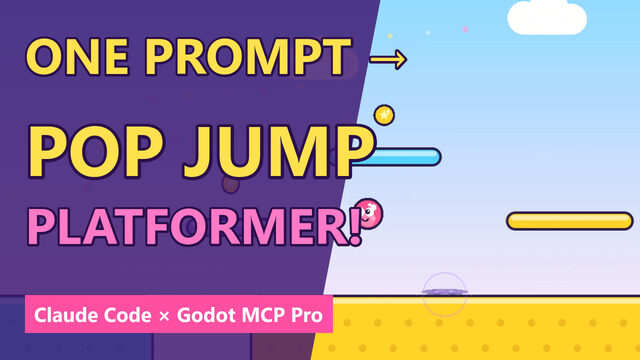
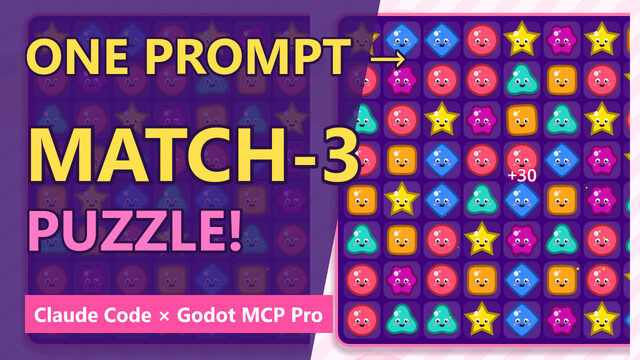
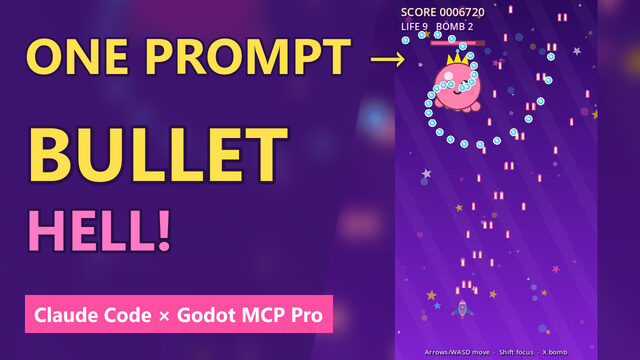
More games built with Godot MCP Pro
Build your own game with AI
Godot MCP Pro gives Claude Code, Cursor, Cline and other AI assistants full control of the Godot editor.
Get Godot MCP Pro — $15 One-time purchase · Lifetime updates · 190 tools