Pop Jump
A candy-colored 2D platformer with a squishy hero, coyote time, star coins, stompable enemies and a goal flag, from one prompt in about five minutes.
1 prompt~5 min of AI work
📘 Learn how it works: step-by-step tutorial with the real code →
Watch the full build
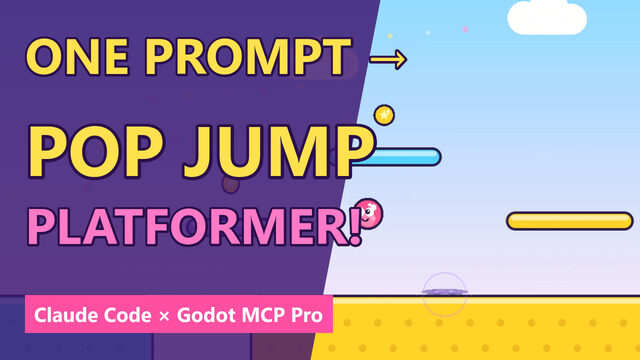
The prompt
Prompts were given to Claude Code in English, exactly as shown.
I want to make a 2D platformer game. Before thinking about originality, I'd like to build the core basics first. Please make it with pop, catchy graphics.
What Claude built
- A squash-and-stretch blob hero with forgiving jumps (coyote time, jump buffer, variable height)
- A 5,000 px candy level with gaps, 18 spinning star coins and 4 gumdrop enemies
- Stomp to defeat enemies, respawn on hits and falls
- Pastel sky, HUD and a win screen at the flag
Bugs Claude found and fixed by itself
Found by taking screenshots and simulating input in the running game — no human pointed them out.
- The hero wouldn't move with simulated input — Claude rebound the controls
- The controls hint faded before the window appeared
- The win message was half-faded by a still-running tween
- You could walk off the end of the level after winning
In 30 seconds

How it works
Godot MCP Pro connects Claude Code to the Godot editor through MCP. With 190 tools, the AI can create scenes and nodes, write and validate scripts, run the game, press keys, click, take screenshots and read the error log — the same loop a human developer uses.
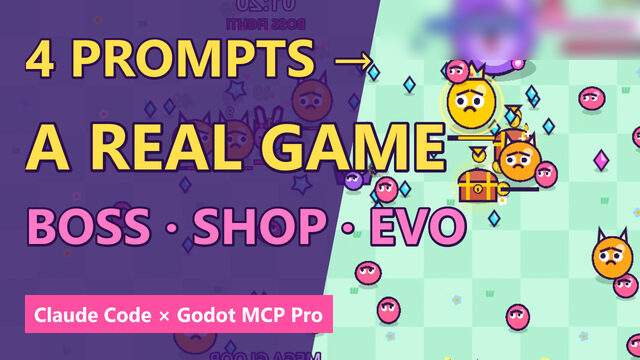
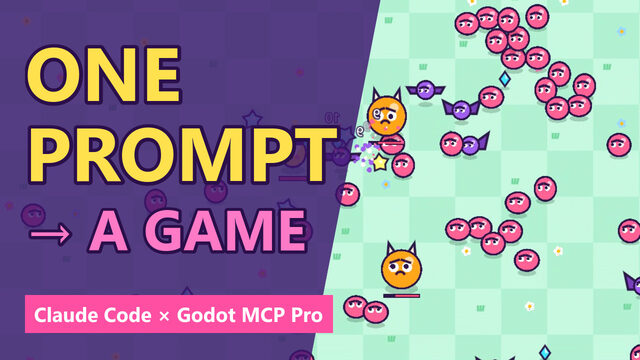
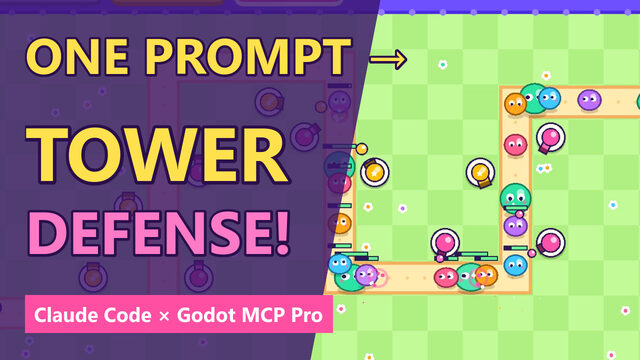
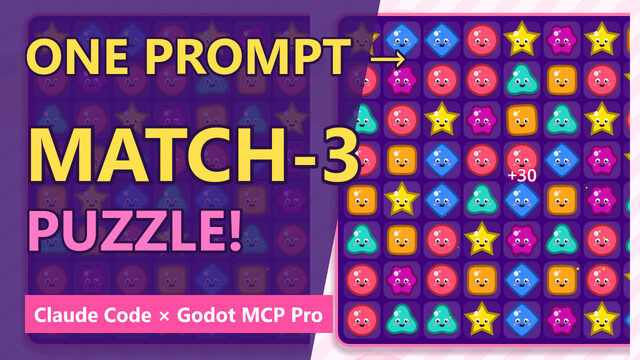
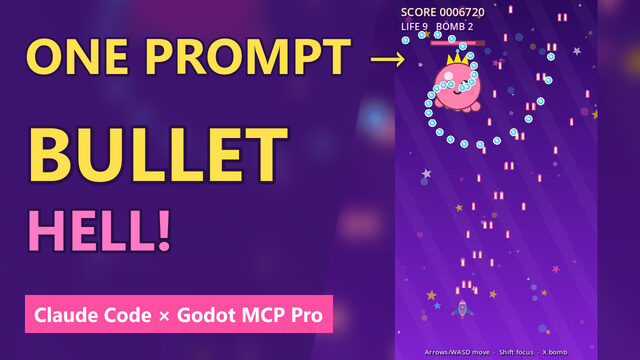
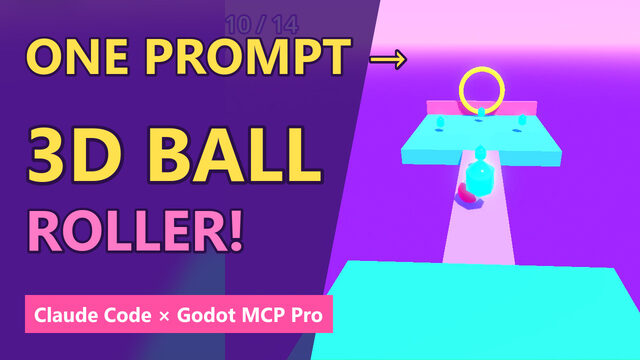
More games built with Godot MCP Pro
Build your own game with AI
Godot MCP Pro gives Claude Code, Cursor, Cline and other AI assistants full control of the Godot editor.
Get Godot MCP Pro — $15 One-time purchase · Lifetime updates · 190 tools